Clean up intake
Drop receipts, invoices, PDFs, and statements into the Book. Bookbot creates drafts, preserves attachments, and lets the reviewer decide what gets posted.

Use Bkper with the AI assistant you already have
Ask questions, create reports and PDFs, review transactions, or build workflows. Bkper keeps the records, balances, permissions, and review history intact.
For accountants, owners, and operators navigating AI
Reduce prep, surface review issues earlier, and make recurring work repeatable.
Drop receipts, invoices, PDFs, and statements into the Book. Bookbot creates drafts, preserves attachments, and lets the reviewer decide what gets posted.
Ask for unchecked transactions, unusual movements, missing support, duplicate candidates, or category patterns before month-end work gets expensive.
Use ChatGPT Work or Claude to turn Bkper data into PDFs, scripts, and repeatable reports.
Build tools, data connectors, and book-aware apps around your structure, permissions, and review process.
Why Bkper fits AI work
Models can draft and reason, but financial facts should come from Bkper records and balances. Review the resulting drafts, scripts, reports, and Book activity.
Every posted transaction moves resources from one Account to another.
Incomplete or AI-created work can remain draft until reviewed.
Reports come from Book records and APIs, not model arithmetic.
People, apps, bots, and agents are identified in the activity trail.
OAuth, Book roles, lock dates, and checked rules constrain what can happen.
Files stay with the transactions they support.
Choose your starting point
Choose the workflow that matches the job—not a model or protocol.
Connect Bkper to your current assistant on the web or desktop. It keeps using its own models.
Set up your assistant →Use one terminal workspace for Bkper context, local files, commands, scripts, tests, and included AI models.
Explore Bkper CLI Agent →Turn incoming documents into draft transactions without starting a chat.
Process documents →Extensible agent harness
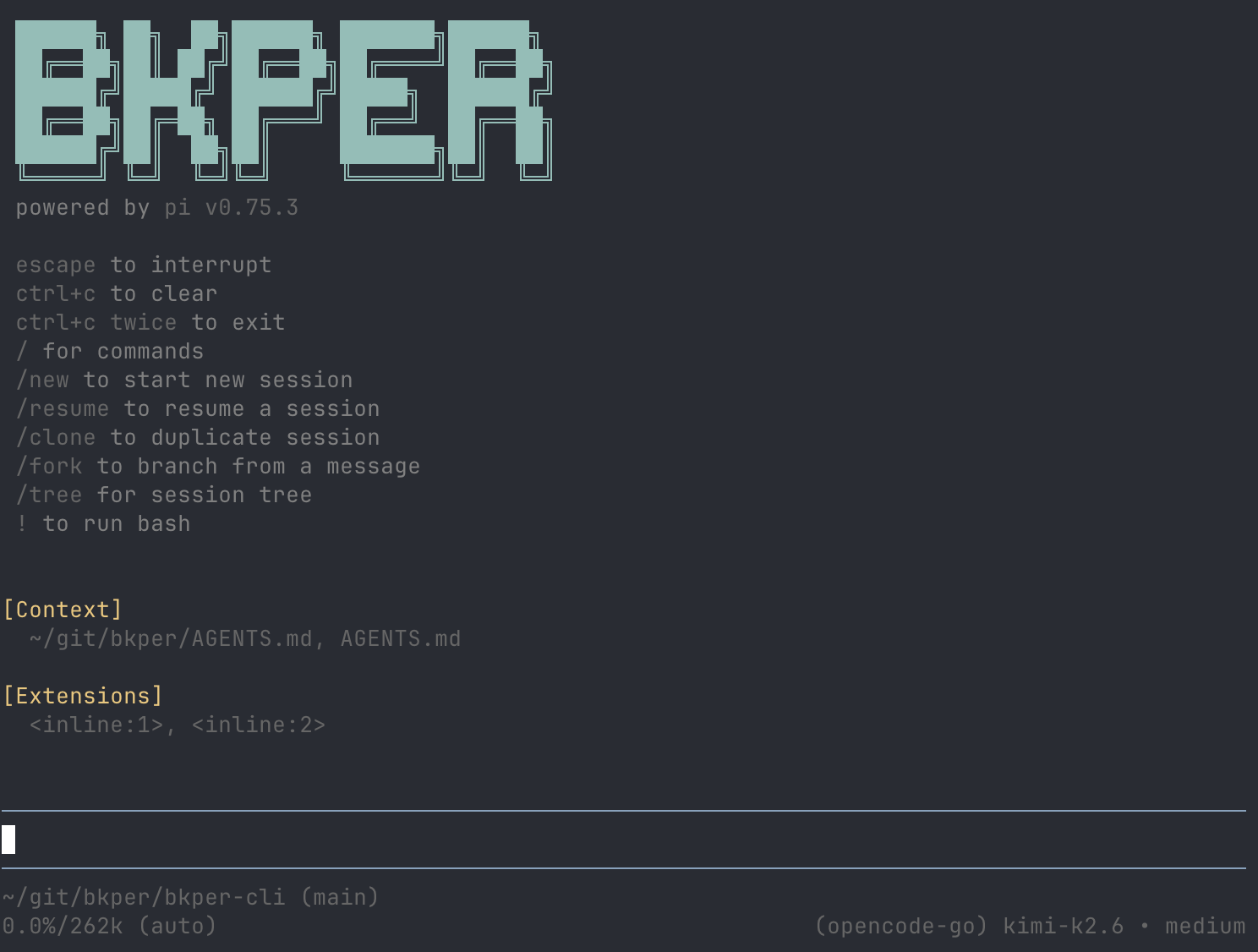
Bkper CLI Agent combines a lightweight agent harness with Bkper context, local tools, and included models. It ships with Bkper CLI through a terminal interface.
We use the Bkper CLI Agent every day to build Bkper itself.
Bkper AI
Use a language model for conversations and generated results, or a decision model when your code needs a boolean probability, one bounded choice, or an ordered score.
 GPT · 6 Luna, 6.1 Sol
  Grok 4.7
  Claude Sonnet 5.5
  Gemini · 3.8 Flash, 3.5 Flash-Lite
  GLM 5.3 Flash
  DeepSeek V4.1 Flash
  Jev 1.13
 Bkper CLI Agent uses the language models. Jev is an API model for apps and compatible clients, not a CLI Agent runtime. Learn about decision models →
Start safely
Start with one painful task. Keep writes reviewable and recurring work repeatable.
Learn why raw LLM output is a draft for finance work.
AI fundamentals →Ask a question, review a draft, or create a report before automating more.
Set up your assistant →Move recurring prompts into scripts, apps, reports, skills, or internal tools.
Build with agents →Connect Bkper to ChatGPT or Claude and turn prompts into reviewable work.