
App Listing
Apps are listed on the Bkper Automations Portal, populated from bkper.yaml fields. Sync metadata with bkper app sync, and by default limit installation to declared users until you publish more broadly.
All Bkper apps are listed on the Automations Portal at app.bkper.com > Automations > Apps. Each app has its own page with logo, description, and details:
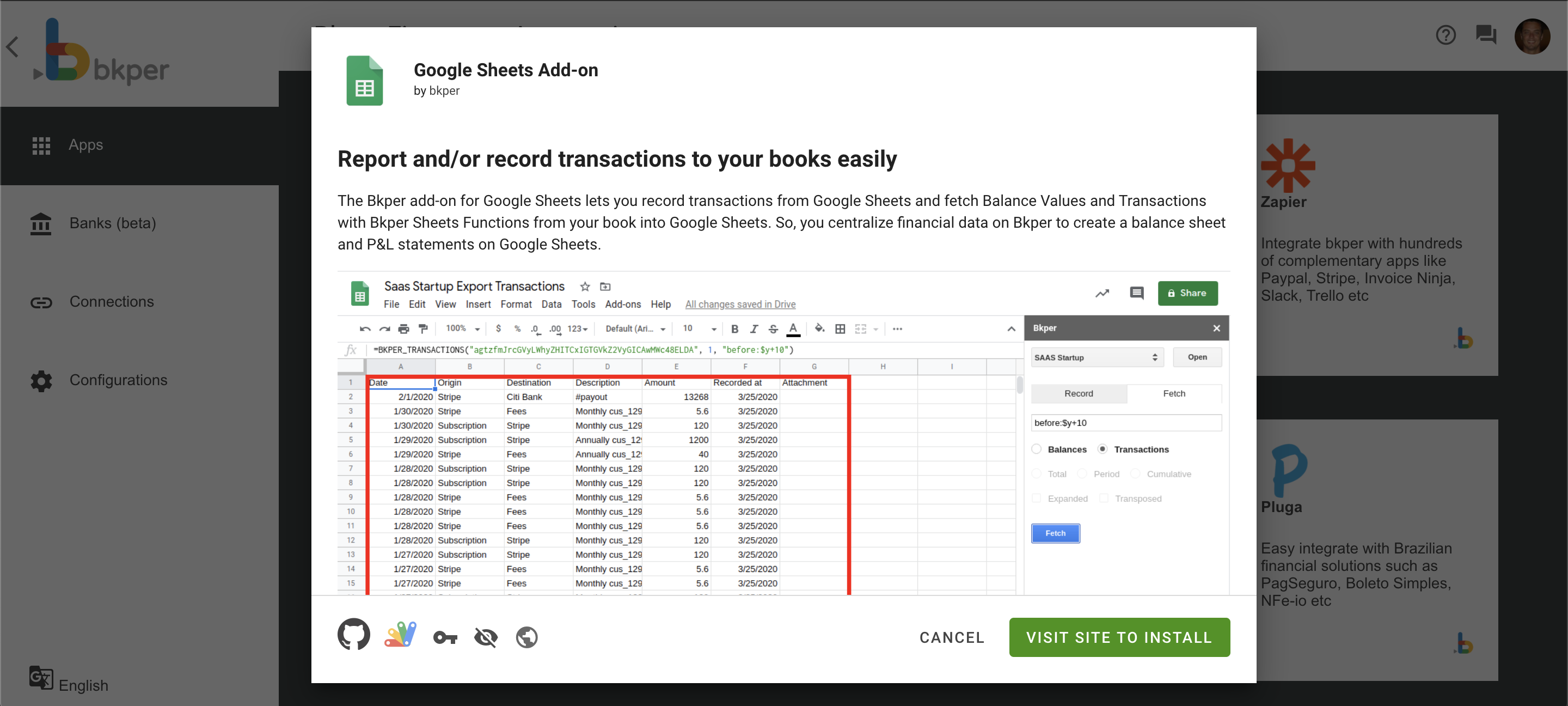
App listings are populated from the fields you declare in bkper.yaml. Sync metadata changes with bkper app sync. Deploying code is a separate step.
Listing fields
Make sure your bkper.yaml has the following fields populated for a complete listing:
id: your-app-idname: Your App Namedescription: A clear description of what your app does
logoUrl: https://your-app.bkper.app/images/logo.svglogoUrlDark: https://your-app.bkper.app/images/logo-dark.svg
ownerName: Your Name or OrganizationownerWebsite: https://yourwebsite.com
website: https://your-app.bkper.app
See App Configuration for the full bkper.yaml reference.
Default visibility
By default, installation is limited to the users you’ve declared in bkper.yaml:
# Specific Bkper usernamesusers: alice bob
# Your entire domainusers: *@yourcompany.com
Use Bkper usernames for individual access, not email addresses.
Your team can install and use the app, but it doesn’t appear in the public Bkper app directory for other users.
Publishing to all users
To make your app available to all Bkper users, contact us at support@bkper.com. We’ll review your app and, once approved, publish it.
What the review involves
- Functionality check — The app works correctly and handles errors gracefully
- Security review — Event handlers are idempotent and include loop prevention
- Listing quality — The app has a clear name, description, logo, and user-facing documentation
README matters
Your app’s README.md is displayed to end users on the app listing page. Write it for the people who will install and use your app — not for developers.
README should explain:
- What the app does from a user’s perspective
- How to use it (step-by-step for non-technical users)
- What features are available
- API access details when the app intentionally exposes
/api/*routes for users or integrators
API access details should stay concise:
- App base URL for production and preview
- OpenAPI spec URL at
/openapi.json - One minimal authenticated example, such as a
curlcall withAuthorization: Bearer <token>
README should NOT contain:
- Tech stack or architecture details
- Build commands or development setup
- Project structure or internal file paths
- Long API references, generated schemas, SDK internals, or route-by-route developer docs
Put developer documentation in AGENTS.md or internal docs instead. Keep README.md focused on the user experience and any integration entry points users need.
Where published apps appear
Once published, your app appears in:
- bkper.com/apps — The public app directory
- Automations Portal — Inside every Bkper book, users can find and install your app