

Bkper CLI Agent
Work on your Books, files, and scripts with an AI agent in your terminal.
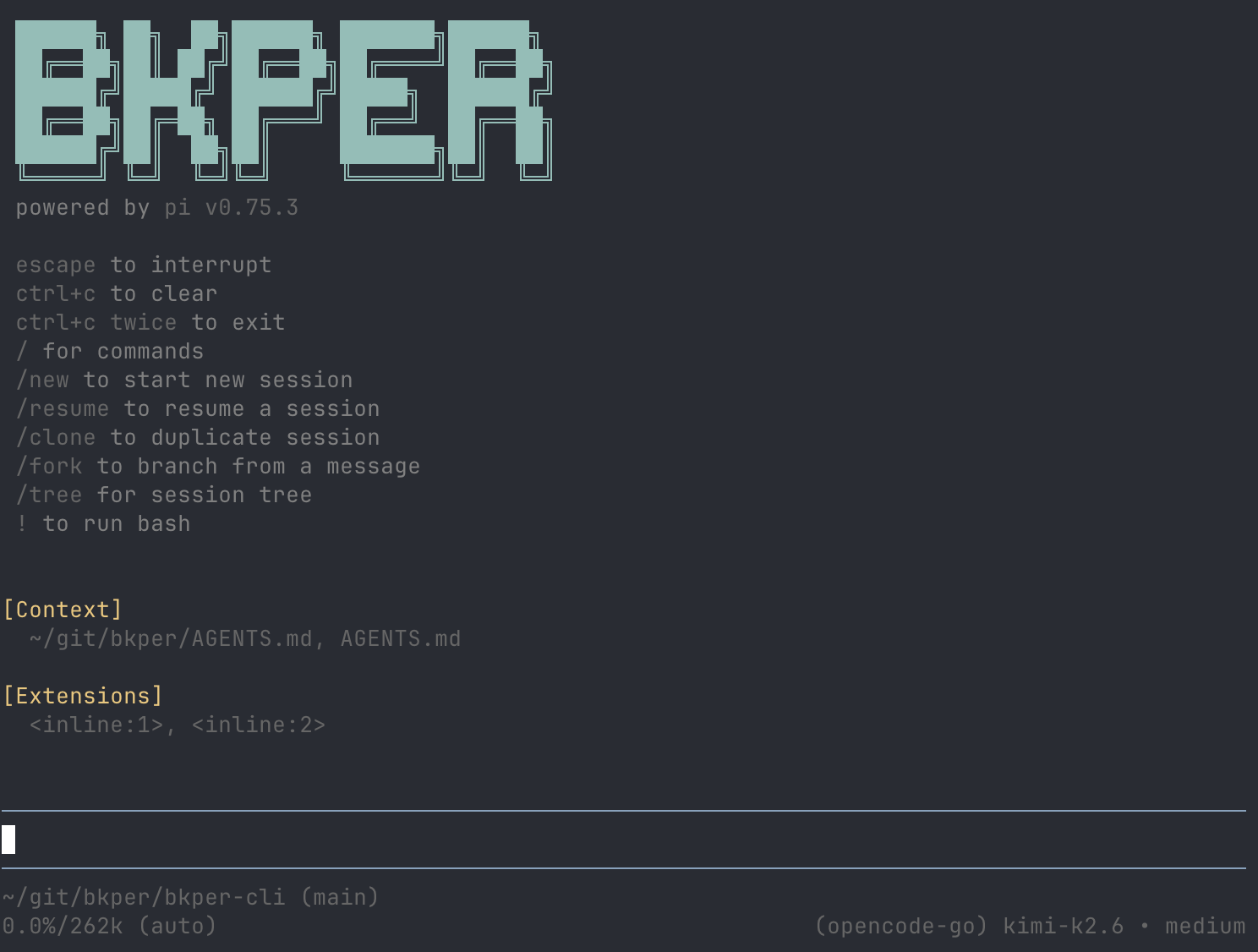
Bkper CLI Agent comes with Bkper CLI. Bkper context and AI models are ready as soon as you sign in, with no model-provider account or API key needed.
Already using ChatGPT or Claude with command access? You don’t need it: use Bkper with your AI assistant instead.
Use it when
- You want a dedicated Bkper workspace instead of adding Bkper to another assistant.
- You work with local files, scripts, or exported CSVs.
- You are building a repeatable report, import, cleanup, or integration.
- You have many items to sort and want to review only the unsure ones.
- You want to combine Bkper with other services, such as file storage or email.
Quick start
First install Bkper CLI. Then:
-
Sign in
bkper auth login -
Start the agent
bkper -
Optionally, use your own model provider
Type
/connectand choose one, such as OpenAI or Anthropic.
What it can do
Besides reading your files and running commands, the agent can:
- Work through many items at once. It handles repeated lookups in one step and shows you only the result.
- Sort and flag items. A decision model, such as Jev, can suggest the Account for a transaction, spot a likely duplicate, or rate how urgently something needs review, each with a confidence score. The agent proposes the confident answers and brings the unsure ones to you.
- Use your other services. Connect MCP servers, such as file storage or email, with
bkper agent mcp add, or ask the agent to connect one for you. Add only servers you trust.
You don’t need to name any of these. Describe what you want done.
Safety
Before any change to a Book, the agent shows you the exact command or script and waits for your confirmation. Decision models only suggest.
The agent runs with your local access and the Bkper permissions of your account. Before using it with real data, read Bkper CLI Agent Security.
Starter prompts
Explain the account types in this Bkper book and list anything that looks unusual.Find possible duplicate transactions from last month. Do not modify anything; show me the query and reasoning first.For each draft from last month that is missing an Account, suggest one. List the unsure ones separately. Do not post or edit anything.Write a script that exports a monthly profit and loss report from Bkper balances. Keep the calculation deterministic and add a simple test fixture.Prepare an exploratory tax worksheet for 2025 from my Bkper data. Use Bkper as the source of truth and mark assumptions explicitly.Models
Bkper AI models are included with your plan. See Models and Usage for models, rates, and your monthly allowance. If you /connect your own provider, its costs and terms apply.
Built on Pi
Bkper CLI Agent is built on Pi, an open-source agent harness. Bkper adds Book access, domain context, safety rules, and models. We chose Pi because it is:
- Token efficient — lean context and tool loading for longer, cheaper sessions.
- Well implemented — a small, reliable core instead of a heavy black box.
- Open source — inspectable, extensible, and easier to improve.
- Provider agnostic — 15+ model providers, local models, and no vendor bias.